
Resources · B
Pair — Connect a computer
Attach this computer to a seat so Official can run for your shop.
1. Get a connect code
On Account, open Seats and copy a seat connect code.
2. Paste into Official Connect
In Official, open Connect and paste the code once.
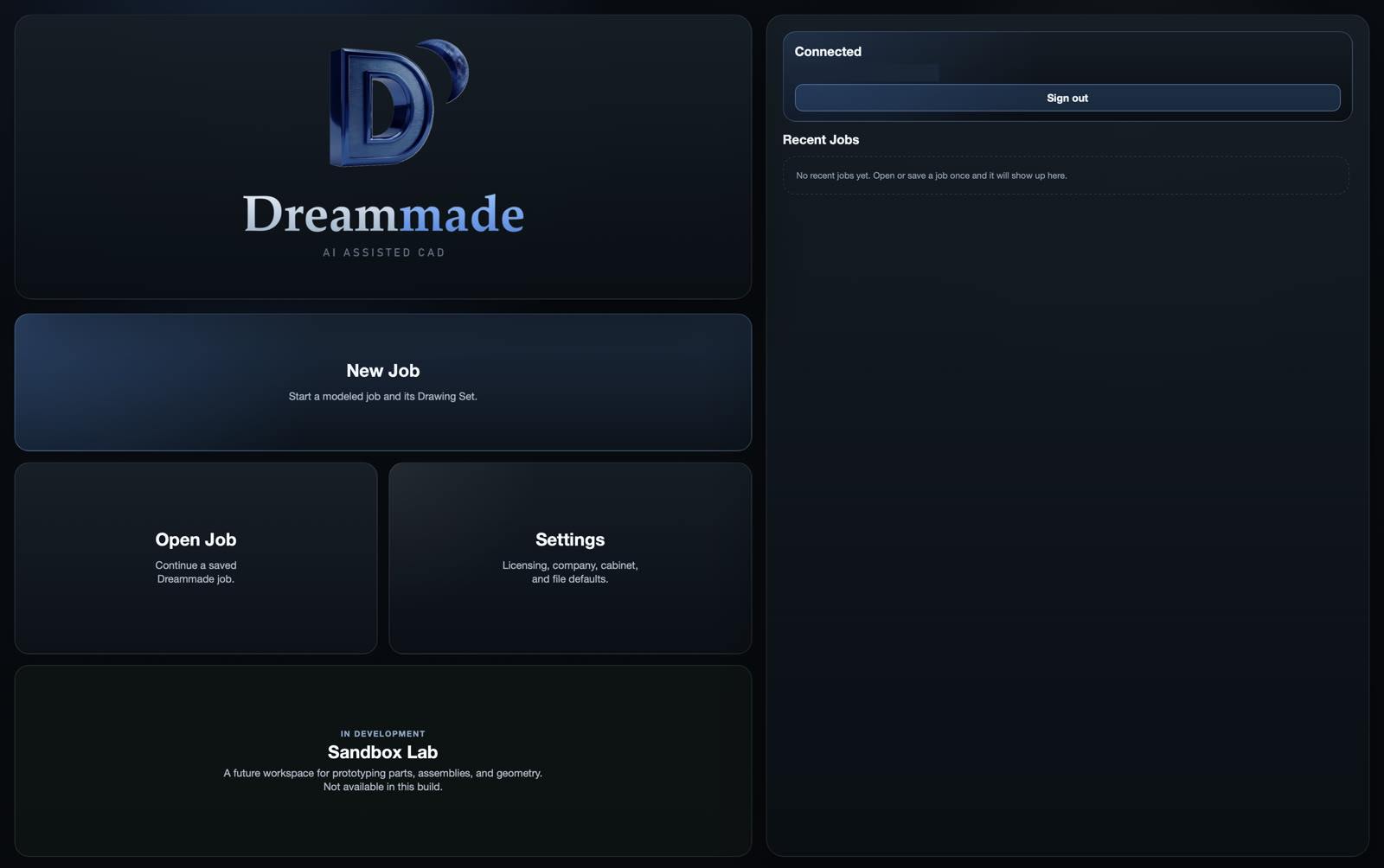
3. Connected card
Look for the Connected card with your email and the Sign out button.
4. Quit and reopen
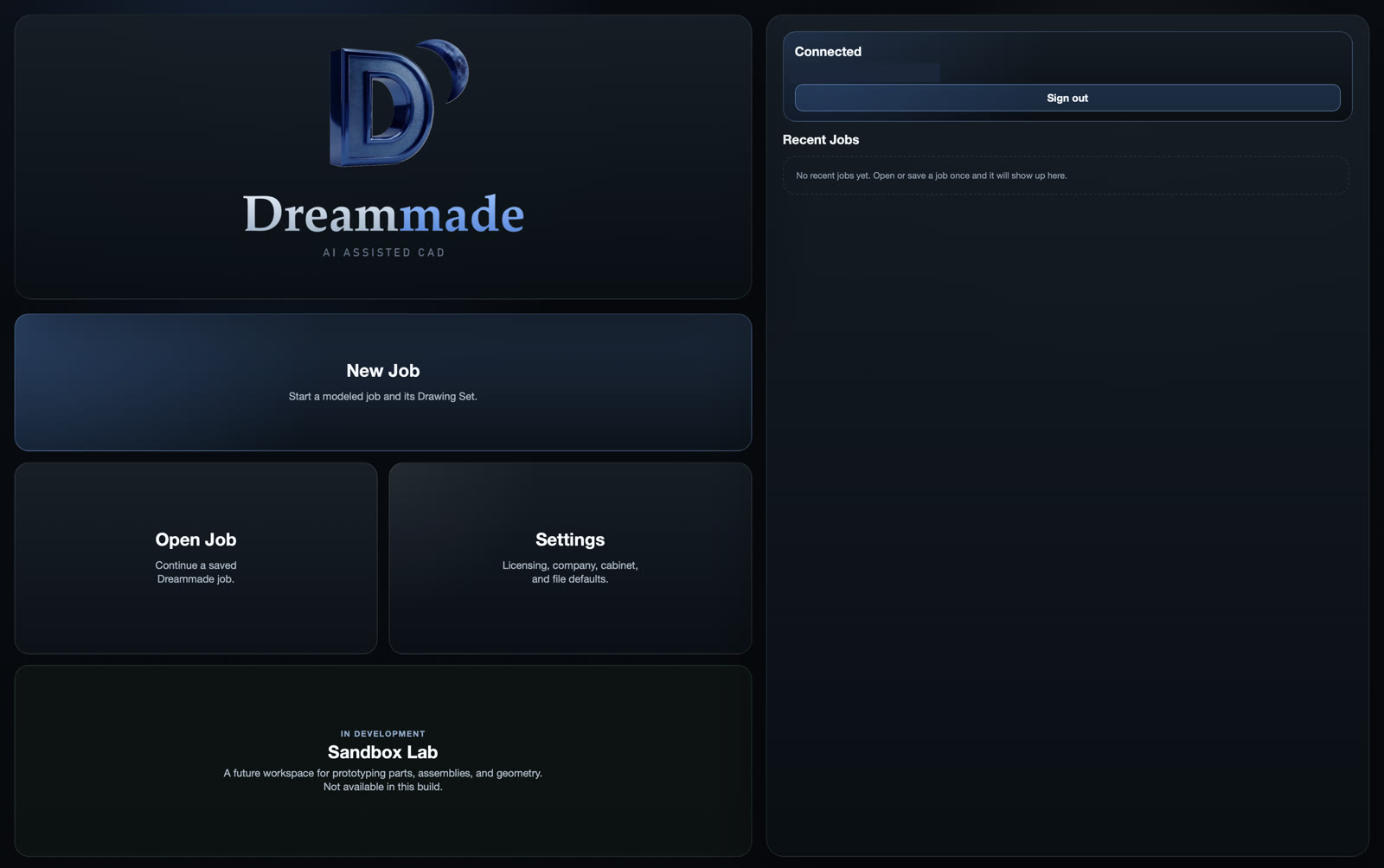
Quit Official and open it again. You should stay Connected without pasting the code again.
5. Sign out vs Release
Sign out is on the Official Connected card.
Release is on Account → Seats. Release frees that seat so another computer can Connect.
Next: C. First job · Back: A. Door